
Blitz login to Blitzbet
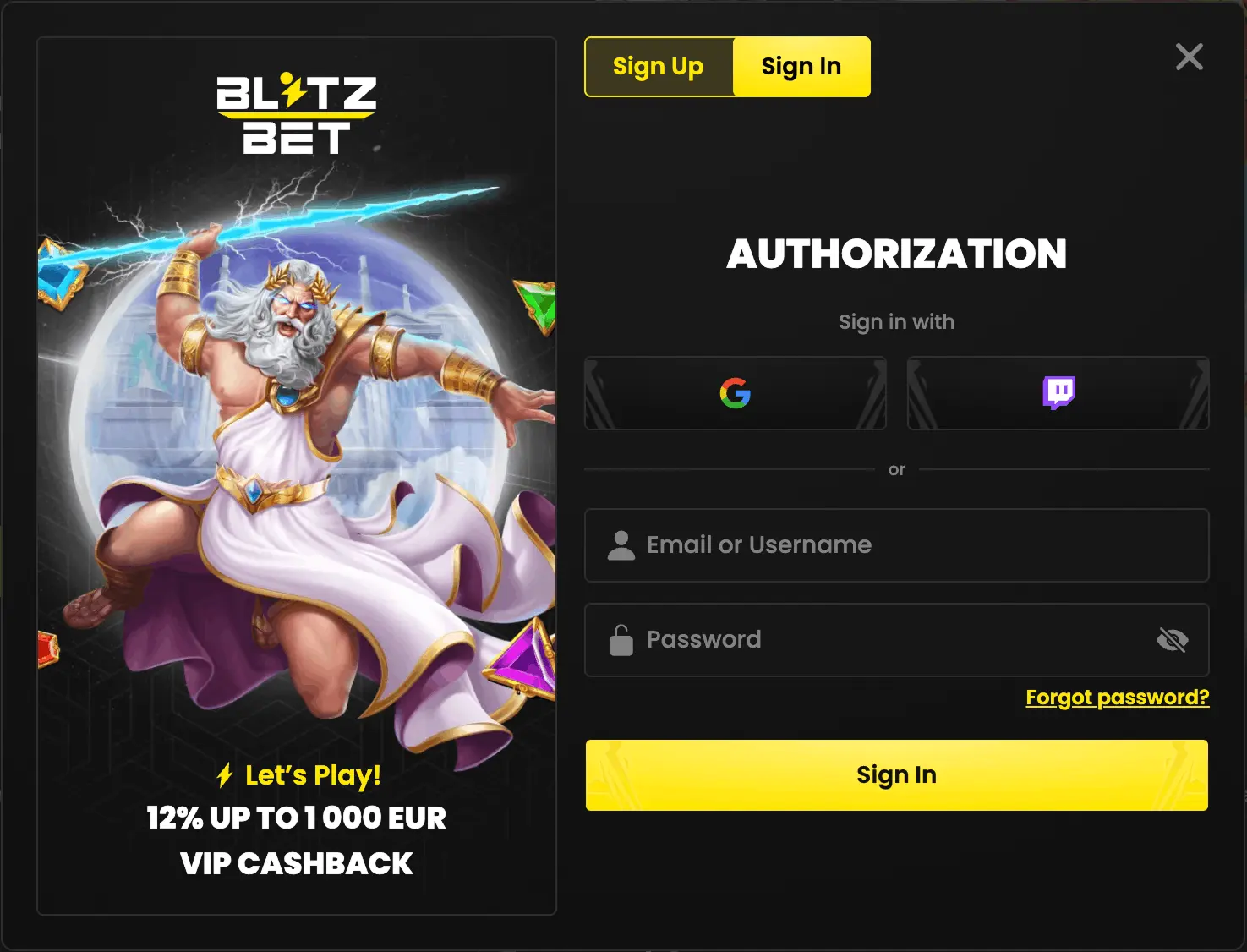
How to log in
- Click “Log in”.
- Enter your login or email and password.
- Confirm to access your account.
Use your login or the email linked to your account.
If login doesn't work
- Check Caps Lock and your keyboard layout.
- Make sure you're using the correct login or email.
- If you don’t know your password, use “Forgot password”.
- If it still doesn’t work, contact support: [email protected]
Password recovery
- Click “Forgot password”.
- Enter your email address.
- Receive a password reset link.
- Open the link.
- A password change popup opens.
- Set a new password.
- After confirmation, log in with your login/email and the new password.
Password requirements
- Minimum 12 characters
- Uppercase letters
- Lowercase letters
- Numbers
Login FAQ
No. Withdrawals are possible only after registration and full account verification (KYC), in line with applicable regulations. Rules may vary by country — if in doubt, contact support: [email protected]
Check your credentials. If the issue persists, use password recovery or contact support.
Yes. You can log in from any device using the same credentials.
Yes. Blitzbet uses encryption and standard security measures to protect user data.